For iPhone Duo
Every fold, counted.
Folds counts every time you open and close your Duo.
Three Shortcuts. iOS 27.1 or later.
Setup
Set up in two minutes.
Three shortcuts, and a trigger on two of them.
1 Add the shortcuts
On your Duo, tap each one to add it to Shortcuts.
2 Turn on the automations
A downloaded shortcut doesn’t bring its trigger with it. Add one to Fold Opened first.
-
Open the Shortcuts app, then open Fold Opened.
Can’t find Shortcuts? Swipe down on the Home Screen and search for it.
-
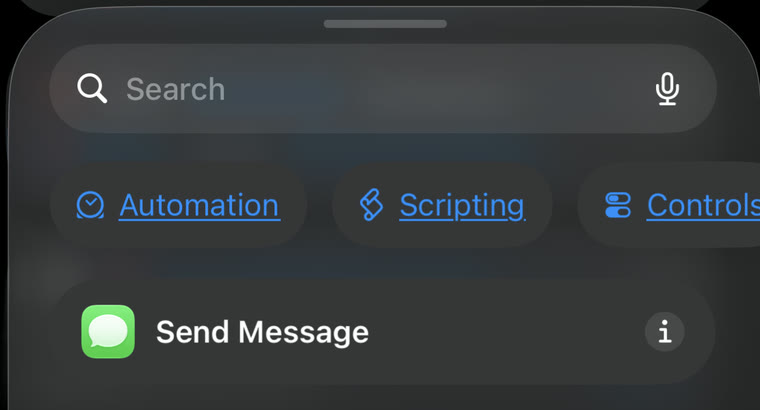
Swipe up on the search bar at the bottom of the shortcut, then tap Automation.
-
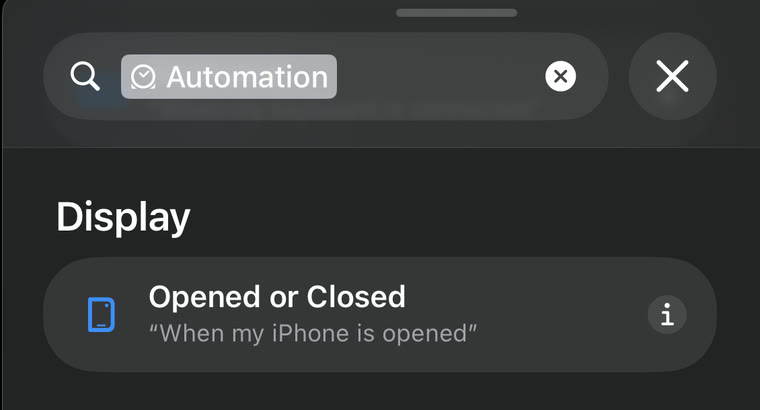
Under Display, tap Opened or Closed.
-
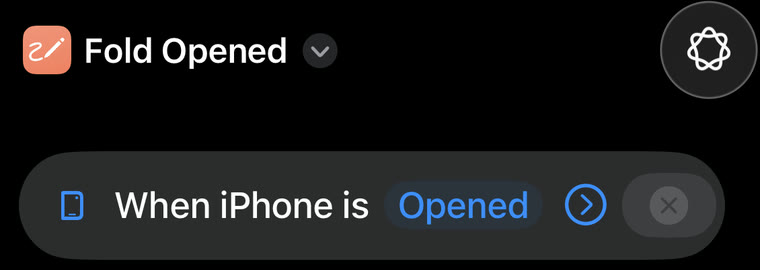
Check that When iPhone is Opened now appears at the top of the shortcut.
-
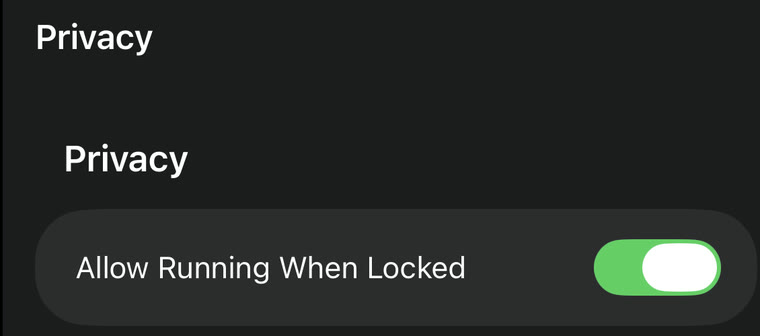
Tap Info , tap Privacy, then turn on Allow Running When Locked. Tap Done .
The other switches there, like Show on Apple Watch, don’t matter for Folds.
-
Repeat these steps for Fold Closed. At the end, tap Opened and choose Closed.
3 Test them
Run Fold Opened, then Fold Closed.
If you’re asked for permission, tap Always Allow.
4 Add Fold Stats to your Home Screen (optional)
-
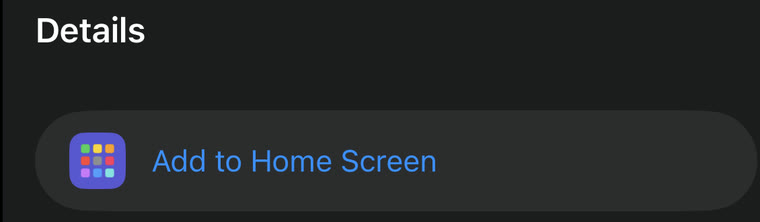
Open Fold Stats, tap Info , then tap Add to Home Screen.
Your folds stay yours. The log is duo-folds.csv in iCloud Drive › Shortcuts, and Fold Stats follows Light and Dark Mode.
Folds is free. Like it? Buy me a coffee.
Buy me a coffee
From the maker of Folds
Approach Traffic Control
Big screen radar.
An air traffic control game that fills your Duo’s big screen. San Diego is free.